Description
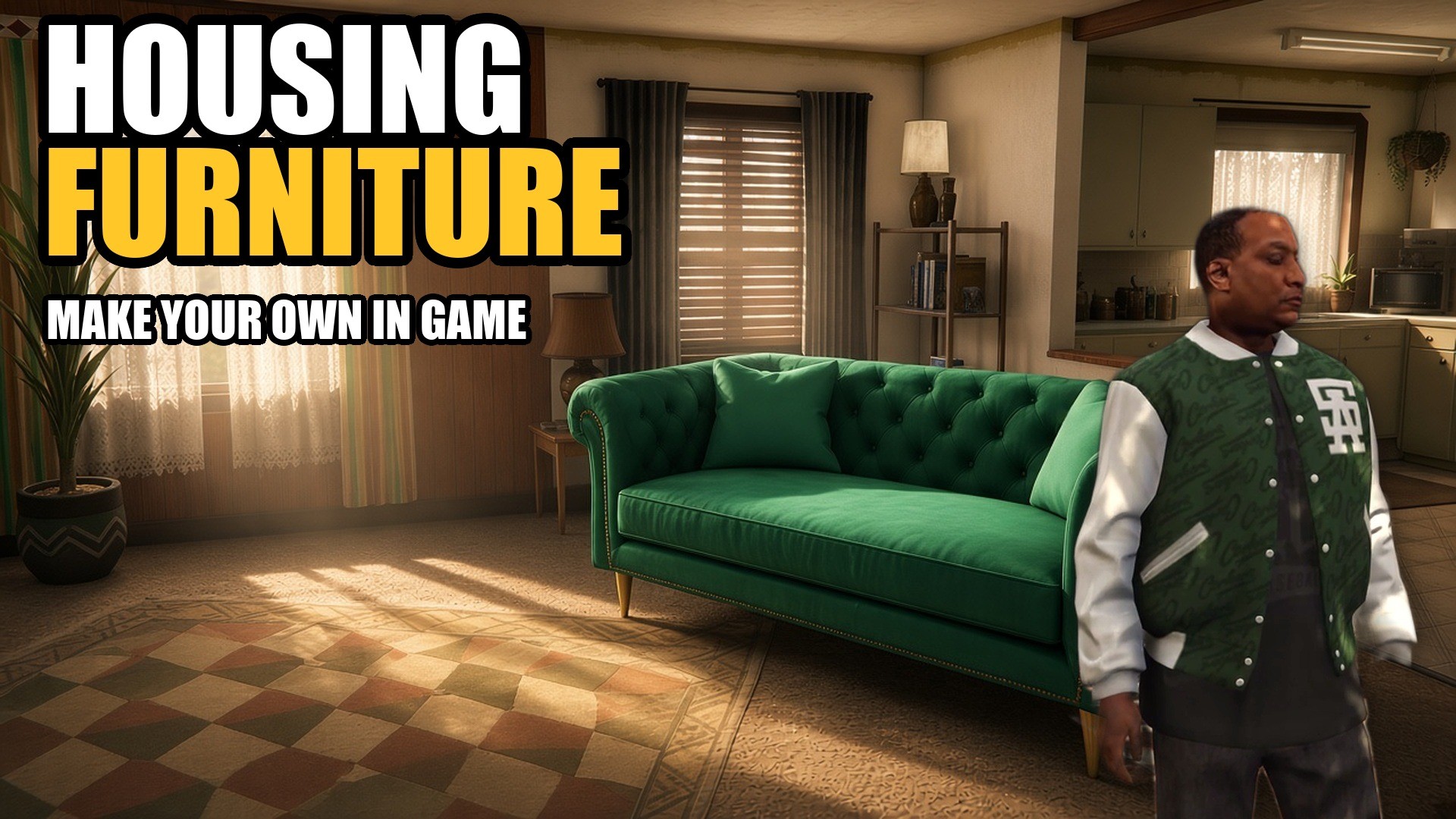
FiveM housing furniture for ESX, QBCore and Qbox. Make new furniture in game from words, a picture or a 3D file, and sell it in your housing shop.
872 ready pieces come with it, any piece can be made in new colours, and players buy and place everything with the housing script you already run.
✅ Works with your server
Tested in game:
- esx_property 2.0 on ESX, in full: making pieces, the shop file, buying and placing a piece, Apply now and Preview here
- qbx_properties on Qbox and ps-housing 2.0.8 on QBCore, in part: the shop file loads and new pieces go live. Buying through their menus was not tested
- GTA props as pieces on ESX, QBCore and Qbox
Built from their docs, not tested in game yet: qs-housing · rtx_housing · vms_housing · bcs_housing · loaf_housing · tk_housing · qb-houses · nolag_properties · rcore_housing
Any other housing script: every piece is also in a catalog file (JSON and CSV) with its picture, and in three server exports.
Languages: English, Czech, German, Spanish, French, Italian, Dutch, Polish, Portuguese and Turkish.
⚡ The 30-second pitch
Most servers sell the same GTA furniture players have seen everywhere. Type /furniturecreator and make your own, right inside the game. It lands in your housing script's own furniture shop, with its name, price and picture.
- Pick the type. Sofa, bed, lamp, rug, TV and 10 more. The type knows the real size, how it stands, its collision and a starting price.
- Pick where it comes from. Type what you want, paste a picture, pick a 3D file, or name a GTA prop.
- Build it. The creator builds a real GTA model in the game, on the admin's own PC. No Blender, no CodeWalker, no streaming folder.
- It goes in the shop. The piece is in your housing script's menu at the next restart, or right away with Apply now on a dev server.
- Players take over. They buy it with the same money and place it with the same controls they always use.
Don't want to start from zero? 872 finished pieces come in the pack: living rooms, bedrooms, kitchens, bathrooms, gaming setups, a home gym, outdoor pieces, a bar with pool tables, street pieces, a playroom and holiday decorations. Rename them, change the prices, or hide the ones you don't want.
🔥 Features
🛋️ Five ways to make a piece
- ✍️ Describe it: type a sentence, pick one of four AI pictures, and Make it 3D turns it into a full model with sides and back. About 3 cents a piece on your own fal.ai account. You set how many runs each admin gets a day.
- 🖼️ From a picture: paste it with Ctrl+V or paste its link. The background comes off on your own PC, and the app suggests a shape: Extrude, Turned, Relief, Box, Painting or poster, or Rug. Six shapes need no key at all.
- 📦 From a 3D file: GLB, GLTF or OBJ from the server's import folder. A model that is too heavy is slimmed (for example 300,000 triangles down to 50,000), keeping its shape and texture.
- 🎮 Any GTA prop: type its model name, press Check, and the game measures it.
- 🎨 New colour: any finished piece, pack pieces included, in 16 house colours or a colour code of your own. Only the colour you pick changes. Wood, metal and the rest stay as they are. Each colour is its own piece with its own picture. No AI, no file and no cost.
📏 Right size, every time
- 📐 15 types, each with a real size range, a pivot, a collision and a starting price.
- 🧍 A 1.8 m person stands next to every model in the preview, so the size is obvious.
- ✅ Checks on every piece: size against its type, whether it stands on the floor, and how heavy the file is.
- 👀 Preview here stands the piece in front of you in the world. Q and E turn it.
📸 Pictures for the shop
- 🟩 A picture studio in the game: the piece stands on a green screen, you turn it, tilt the view and take the picture. The green comes off by itself.
- 🖼️ The picture goes in your catalog and into every housing script that shows pictures. Upload one or use a placeholder card if you prefer.
🏠 Your housing script, your shop
- 🏪 No shop of its own: pieces go into your housing script's own furniture menu, sorted into 18 categories.
- 📄 The Housing page writes the file for you: one block of code per script, once. You copy it over. If an update replaces that file, press Prepare it again.
- ⚡ Apply now on development servers: restarts the furniture and your housing script and puts new pieces live. By default it won't run with more than one player online, because games can pause while new models load.
- 🔌 Any other script: a catalog file (JSON and CSV), the pictures, and the server exports
GetCatalog,GetPieceandIsLmxFurniture.
🧰 For the server owner
- 🖥️ Built on the admin's PC: every model is built inside the game by the admin who makes it. Your server only stores the finished files.
- 🔑 Your fal.ai key stays on your server and never goes near a player.
- 📊 A download meter shows how many megabytes of furniture your players download.
- 🗂️ Statuses: Draft, Ready, Live, Hidden and Removed. Remove tells you which files to delete. On esx_property it won't remove a piece still placed in someone's home.
- 📝 History on every piece, and an optional Discord log of every admin change.
- ✅ One line in your console at start says All good, or exactly what to fix.
🧪 What was tested in game
ESX with esx_property 2.0:
- A GTA prop, a 3D file and pictures built in the app
- Describe it and Make it 3D with a real fal.ai key: four pictures in about 9 seconds, a 3D model in under a minute, about 3 cents
- Buying and placing a piece through esx_property's own menu
- Apply now and Preview here
- All 872 pack models loaded in the game
- New colour on a pack armchair: three colours made, applied, previewed and photographed in the game
Qbox with qbx_properties: GTA props, the shop file loads, Apply now and pieces going Live. QBCore with ps-housing 2.0.8: GTA props and the shop file loading.
Not tested in game:
- qs-housing, rtx_housing, vms_housing, bcs_housing, loaf_housing, tk_housing, qb-houses, nolag_properties and rcore_housing. They are built from their docs.
- Buying through the qbx_properties and ps-housing menus, and buying a pack piece through any housing script's own menu.
- Writing the housing file directly on FXServer builds 31608 and newer. The copy step works on every build.
The code is also checked by an offline test suite.
📋 Before you buy
- New models need one restart before players see them. That is how GTA loads new models. On a dev server, Apply now does it on the spot.
- Describe it and Make it 3D need your own fal.ai key, about 3 cents a piece, paid to fal.ai. Everything else works without a key and costs nothing.
- A picture only shows one side, so for Extrude, Relief and Box the back is a guess. Turned is round all the way, and Make it 3D builds the sides and back.
- Most housing scripts need the one-time file step. The Housing page writes the file. qs-housing needs none.
- Use only 3D files you are allowed to use on a server: your own, free ones with a licence that allows it, or ones you bought for that.
- The pack is about 114 MB of models plus about 21 MB of pictures, which players download once. Each colour version adds a little, and the app shows how much.
- Requires
ox_libandoxmysql.screenshot-basicorscreencaptureis optional. - Keep the folder names
lmx_furniturecreator,lmx_furniture_streamandlmx_furniture_pack. - FiveM for GTA V Enhanced can't load escrowed scripts yet. The Furniture Creator runs on FiveM for GTA V (Legacy) until Cfx.re adds escrow to Enhanced.
- Nothing in the Furniture Creator sells in-game goods for real money. Furniture is bought with in-game money.
🧰 Requirements and start order
Required: ox_lib, oxmysql, and one of ESX, QBCore or Qbox. Optional: a fal.ai key for Describe it and Make it 3D, and screenshot-basic or screencapture.
Put the three folders in resources/ and start them in this order:
ensure ox_libensure oxmysqlensureyour frameworkensure lmx_furniture_streamensure lmx_furniture_packensureyour housing scriptensure lmx_furniturecreator, last
Then give your admins access with add_ace group.admin lmx_furniturecreator.admin allow, restart the server and type /furniturecreator. The database tables create themselves, so there is no SQL to import. Open Housing once to prepare the file for your housing script.
📦 What's included
lmx_furniturecreator: the app, the builder, the housing adapters and ten languageslmx_furniture_stream: where your pieces' models, shop files and pictures livelmx_furniture_pack: the 872 ready pieces with their pictures- Open
config/,locales/and README. The rest of the Lua is protected by the asset escrow system. - A short README to get you started. The full manual and the changelog are online (link below).
🛠️ Support
📖 Documentation: lmx-development.gitbook.io
💬 Discord support: ybnlimax.com/discord
Updates are free for life, and every release is listed in the changelog.
Built by LMX Development.
LMX Furniture Creator | FiveM Housing Furniture | Make Custom Furniture In Game | ESX QBCore Qbox
Checkout signs you in with your Cfx.re (FiveM) account once — that's how the script gets licensed to your Keymaster.